Docs/Agents
What an Agent Is
An agent is one angle on your market: a definition of who you want, what they talk about, and how to reach them. Here is how to think about them, and how many you need.
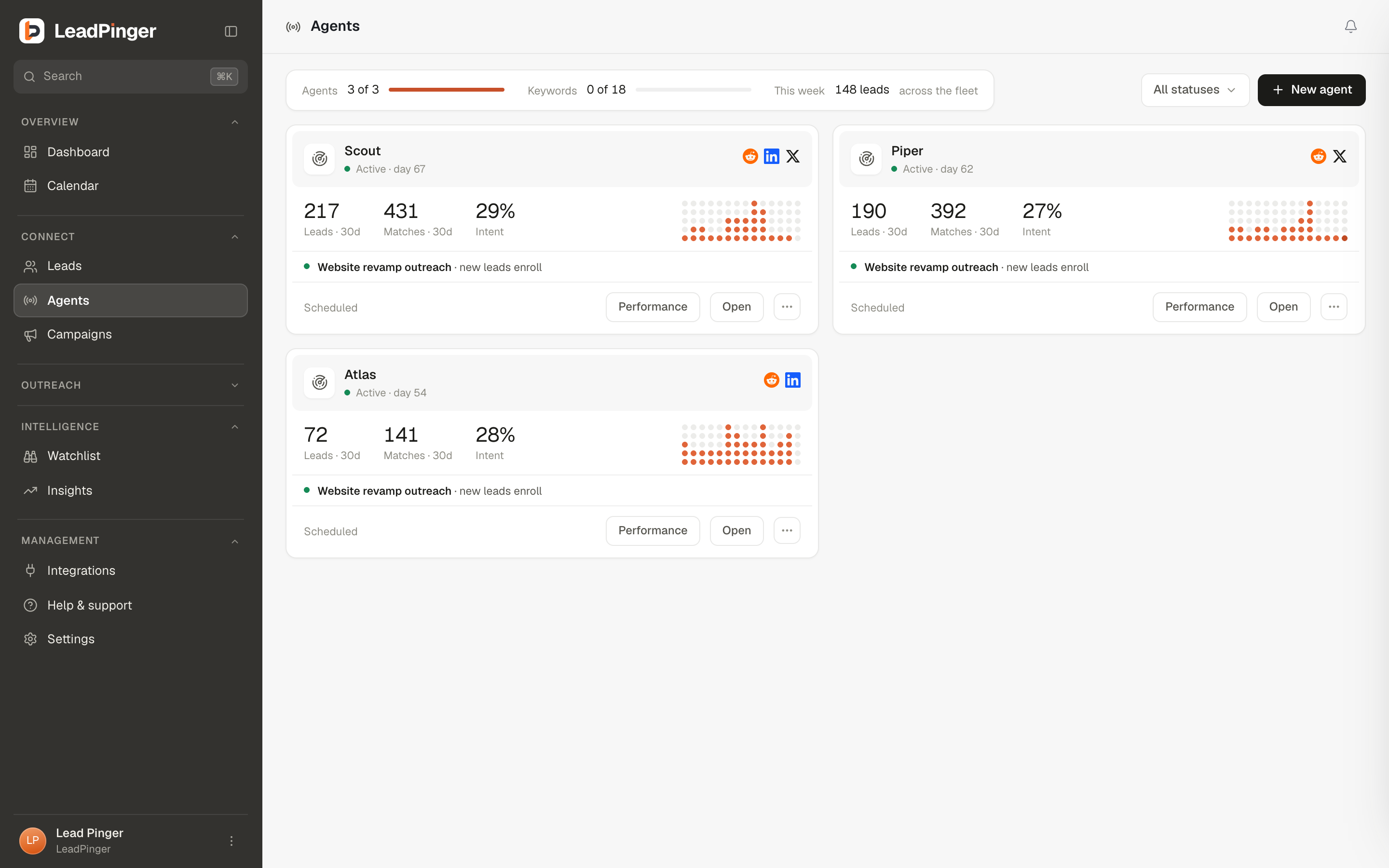
An agent bundles everything LeadPinger needs to hunt on your behalf: what you offer, the topic phrases to listen for, the platforms to watch, your ideal customer profile, and the campaign its leads go to. Once launched, it works around the clock without being told to.
The most useful mental model: one agent = one angle on your market. Not one agent per platform, and not one agent for everything. If you sell a CRM, "people switching from a competitor" and "agencies picking a CRM for clients" are different angles: different keywords, different ideal customers, often a different campaign. Give each its own agent and each stays sharp; merge them and the keywords blur.
What an agent contains
| Piece | What it decides |
|---|---|
| Identity | Its name, and what you're offering: the context every downstream judgment uses. |
| Ideal customer profile | Who counts as a fit: job titles, locations, industries, company types and sizes. |
| Targeting | Platforms to watch, keywords to listen for, keywords to ignore, intent types, and filters. |
| Campaign | Where its leads go: link a campaign and they enroll in its outreach, in its voice and its mode, or leave the agent find-only. |
What an agent does all day
It scans its platforms continuously, reads everything that matches its keywords, discards the noise, and grades what remains against your offer and your ideal customer. Real signal becomes a lead in your queue, with the evidence attached. With Sales Navigator connected, it also brings in the people who match your profile directly. If it is linked to a campaign, every lead it finds enrolls in that campaign's outreach, in the campaign's mode; a find-only agent drafts and waits for you to send.
How many agents do you need?
- Starting out: one good agent beats three vague ones. Nail a single angle first.
- Growing: add an agent when you have a genuinely different angle: a second product, a second buyer persona, a competitor displacement play, a different geography.
- Teams: agents are shared workspace capacity, and each seat can run their own. Your plan decides the pool size; see Agent Pools & Add-ons.
Questions this page didn't answer? Email support@leadpinger.ai, we usually reply within one business day.