Docs/Finding Leads
Lead Priorities
Every lead is graded High, Medium or Low, and every grade shows its reasoning. What each level means, and what to do at each one.
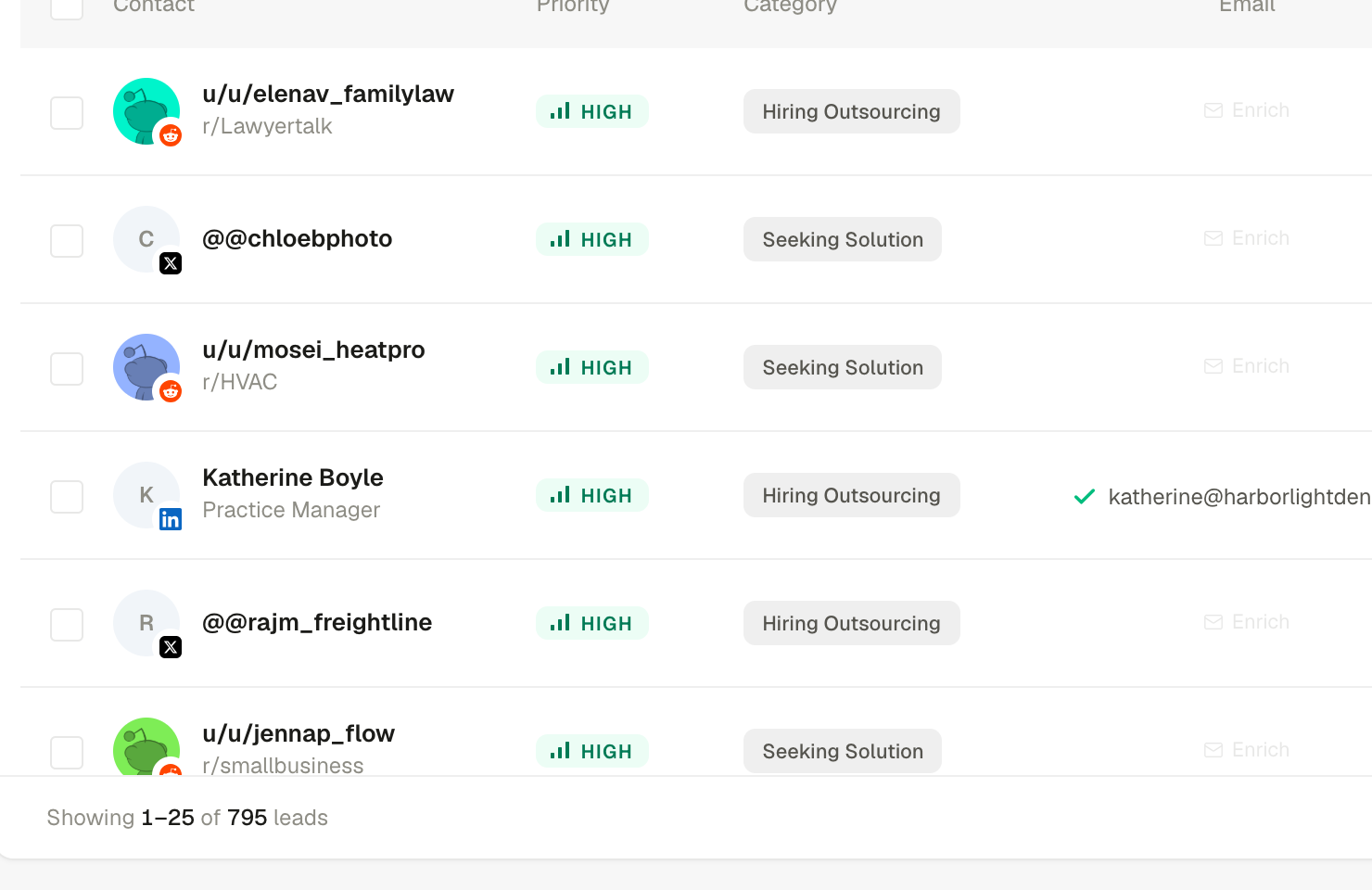
LeadPinger grades so you can triage. The chip on every lead answers one question: how strong is the signal here? But the chip is never the whole story, which is why hovering it always explains itself, and why the lead's detail panel shows the evidence in full.
Two kinds of grading
The tooltip on the chip tells you which basis produced the grade:
- Intent-based (conversation leads): how strong the buying signal is in what they posted. "Strong buying signal in what they posted" is a High; "little buying signal" is a Low.
- Fit-based (profile leads): how well the person matches your ideal customer profile. "Strong match for your ideal customer profile" is a High even if they have said nothing, because who they are is the signal.
What to do at each level
| Priority | Read it as | Move |
|---|---|---|
| High | Act on these first. Strong signal or strong fit, and the moment is warm. | Reach out today. Speed is the whole advantage: a reply while the post is fresh gets read. |
| Medium | Worth a look. Real signal with a caveat: weaker intent, partial fit, or thinner evidence. | Skim the evidence. If it reads well, reach out; if not, grade it so the system learns. |
| Low | Least promising. Kept so you can verify the grading, and because judgment calls belong to you. | Batch-review occasionally. Finding a good one here means your ICP or keywords need a tune. |
Priorities calibrate to you
The Good fit and Not a fit buttons on every lead feed future grading. Consistent grading for a week visibly changes what High means in your workspace: it converges on your judgment, not a generic one. The one-tap reasons you give on rejections ("Not my customer", "No real intent", "Bad timing") teach it faster still.
A lead still being evaluated
Profile leads briefly show Scoring with a spinner while their fit is judged. They finish grading on their own; no action needed.
Questions this page didn't answer? Email support@leadpinger.ai, we usually reply within one business day.