Docs/Finding Leads
Watchlist
Account-level buying signals: hiring, funding, and job changes on the companies and people you care about. Timing, delivered.
Keywords catch what people say. The Watchlist catches what accounts do: a target company opening roles, a competitor's customer raising a round, a champion changing jobs. These are timing signals: each one is a natural, non-awkward reason to reach out this week rather than someday.
Three event types
| Event | Why it matters |
|---|---|
| Hiring | This account is hiring, a timing signal to reach out: new initiatives, new budget, new pain. |
| Funding | Fresh funding often means new budget and headcount. |
| Job change | A contact changed roles, a natural reason to reconnect, and new-in-role buyers evaluate tools. |
Building your watchlist
Add companies and people from the Watchlist page with Add to watchlist, tagging each as a Competitor, Target account or Prospect so the feed stays filterable. For companies you choose what to watch (hiring, funding); for people, job changes. Agents can also feed the watchlist automatically: the "who to watch on LinkedIn" list in any agent, with hiring and funding tracking checked, flows here.
Working the feed
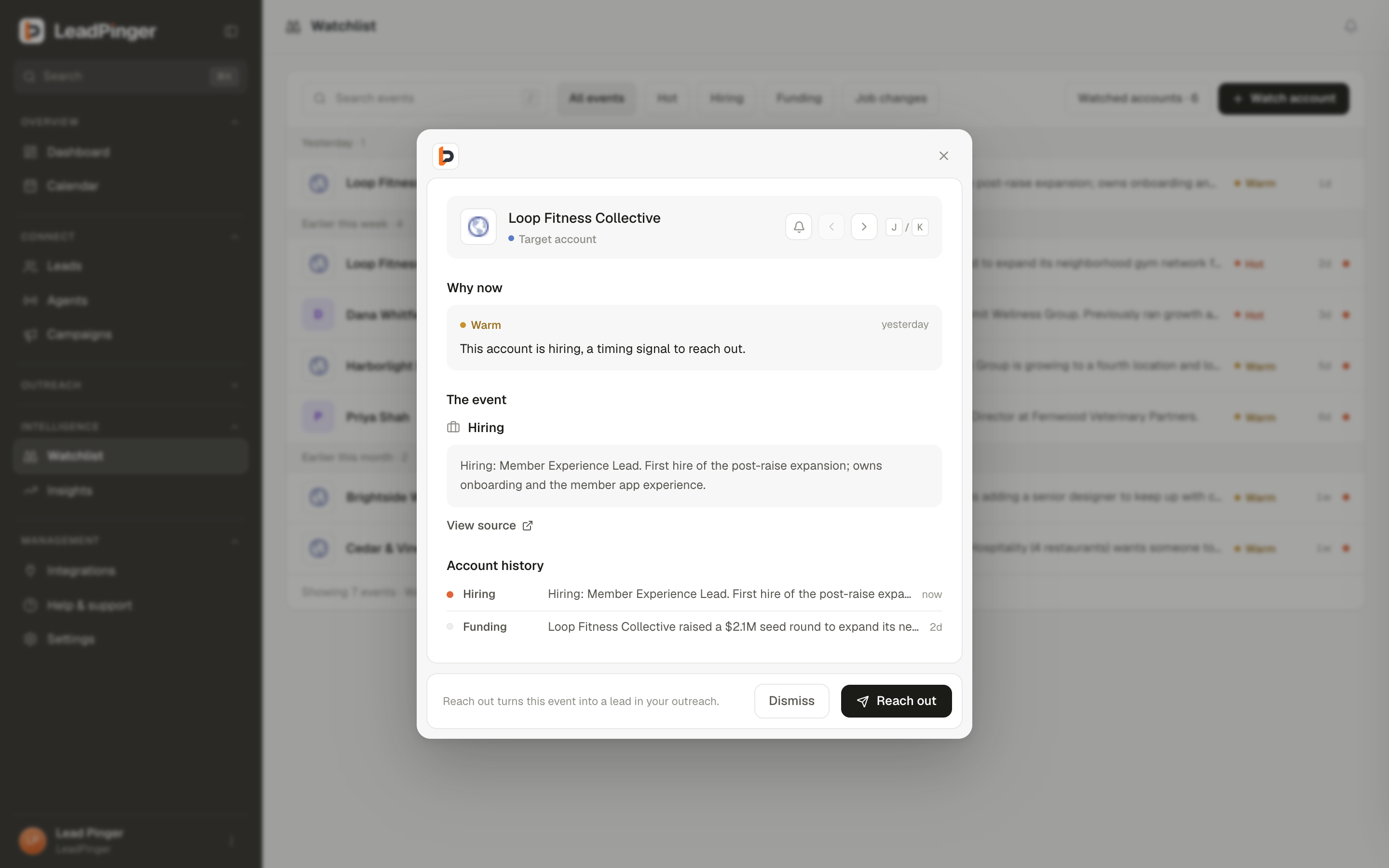
Signals arrive graded Hot or Warm, with a one-line hook. Open one for the source and the account's recent activity, then hit Reach out: the signal becomes a lead in your queue with drafted outreach, carrying the event as its evidence. Keyboard triage works like an inbox: J and K to move, and the feed marks itself read as you go. Mute an account to keep watching it without notifications.
Questions this page didn't answer? Email support@leadpinger.ai, we usually reply within one business day.